
Pictures over the radio
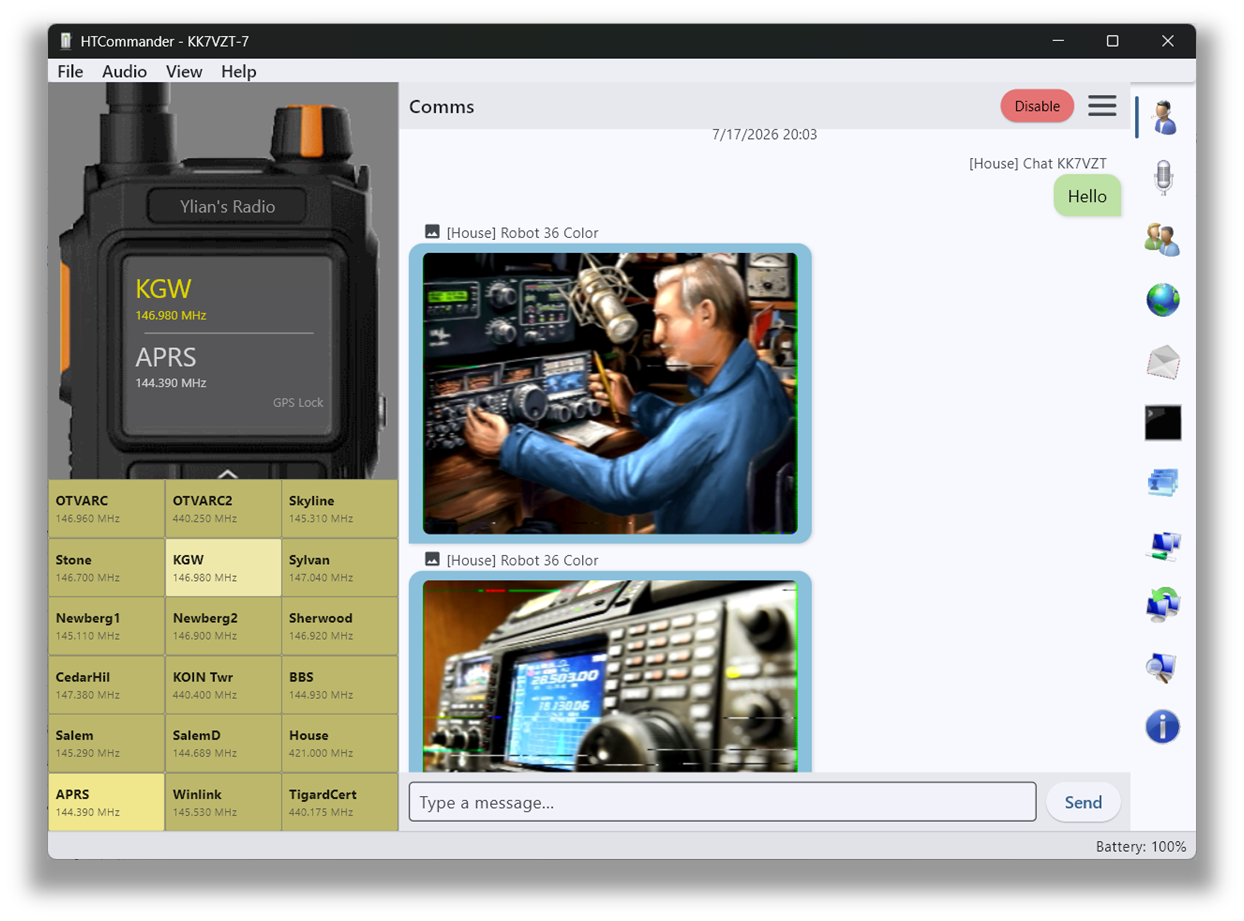
HTCommander has built-in support for transmitting and receiving SSTV in a wide range of formats, including Robot36.
Receiving is automatic
Incoming SSTV transmissions are detected automatically and appear on the Communication tab as the image is received. Once received, double-click an image for a larger view.
Sending is drag & drop
To transmit, drag & drop a PNG, JPEG or BMP onto the Communication tab, or choose Image… from the context menu at the bottom-right to pick a file. A confirmation dialog then shows what will be sent and lets you choose the protocol.
The radio appears to have a 60-second transmit limit, so image formats that take longer than 60 seconds won't fully transmit. Whether that limit can be lifted isn't clear yet — the safe bet is to use Robot36.
Available on Windows, macOS, Linux and Android.