
Your position, from the radio
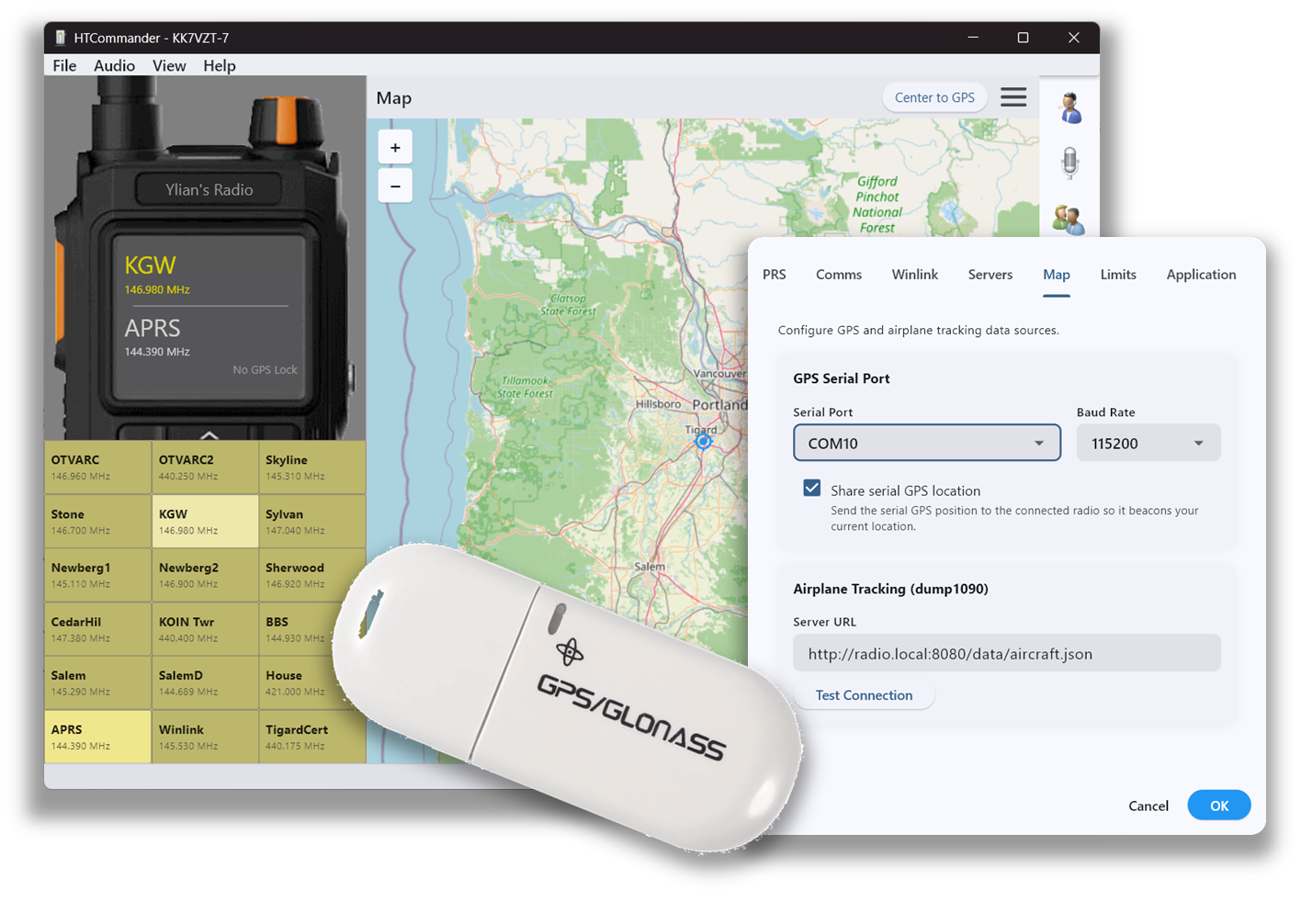
Starting with radio firmware 0.8.5, HTCommander can read the state of the radio's internal GPS. If you have this firmware, HTCommander displays the GPS state — such as GPS Lock — right on the radio panel.
See the details and put it on the map
Click the GPS state, or open the About menu, to see details including your latitude and longitude. On the APRS map, your current position shows up as a blue position pin, and a button in the upper-right re-centers the map on your GPS coordinates whenever you need it.
Available on all platforms: Windows, macOS, Linux, iOS, Android and web (radio firmware 0.8.5 or later required).